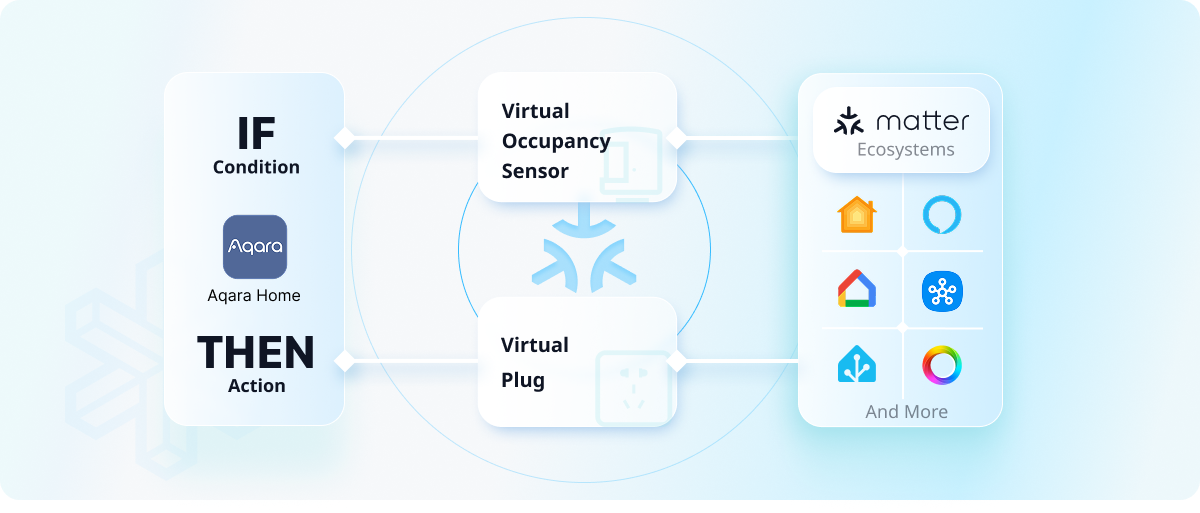
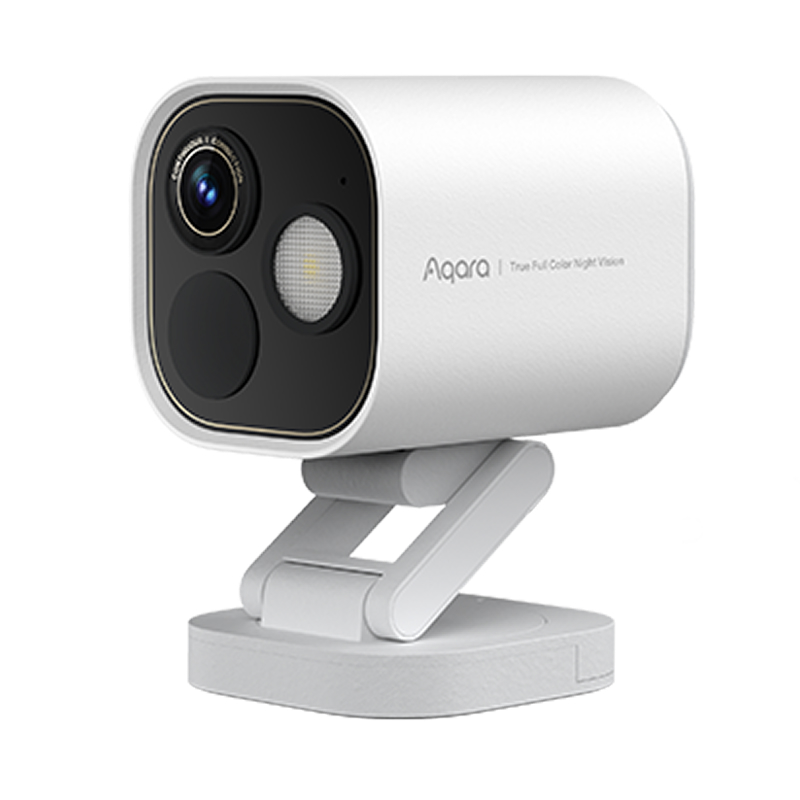


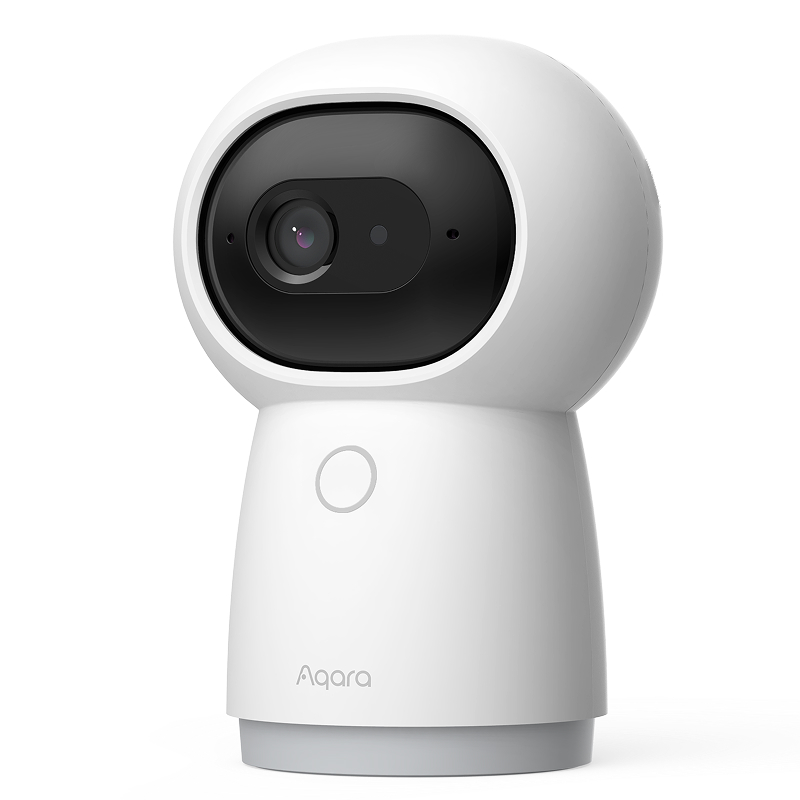




Advanced Matter Bridging enhances interconnectivity between Aqara products and third-party platforms, enabling unique Aqara features—such as the Camera Hub G5 Pro’s face and vehicle recognition—to function on third-party ecosystems. It also allows full integration of third-party devices within the Aqara Home app.
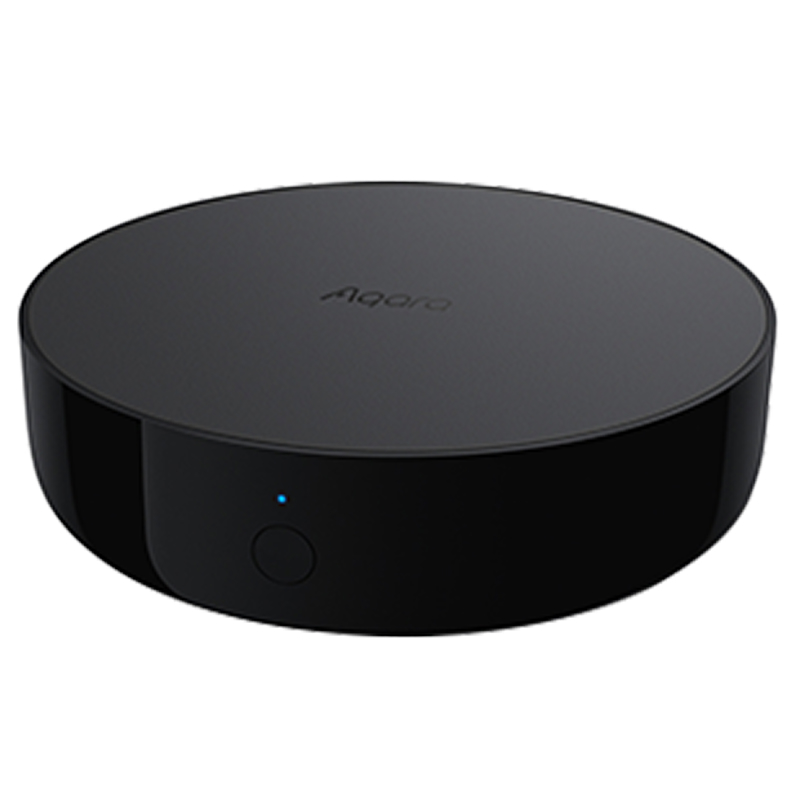
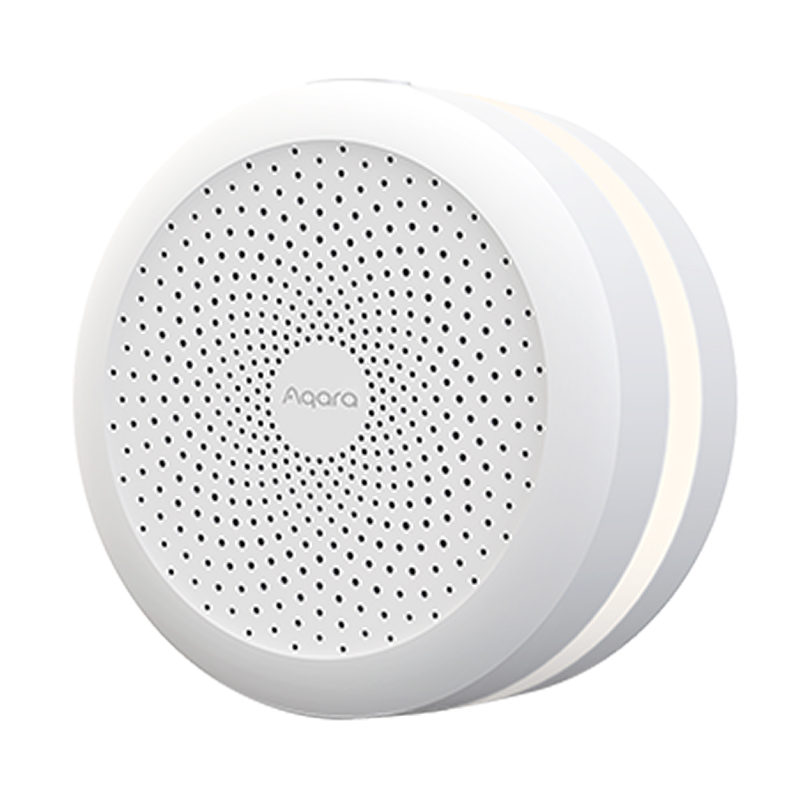
To proceed with Advanced Matter Bridging, you will need to have an Aqara hub with Matter bridge functionality, exposed to the Matter ecosystem of your choice (such as Apple Home, Google Home, Amazon Alexa, Samsung SmartThings, Home Assistant, Homey and more).
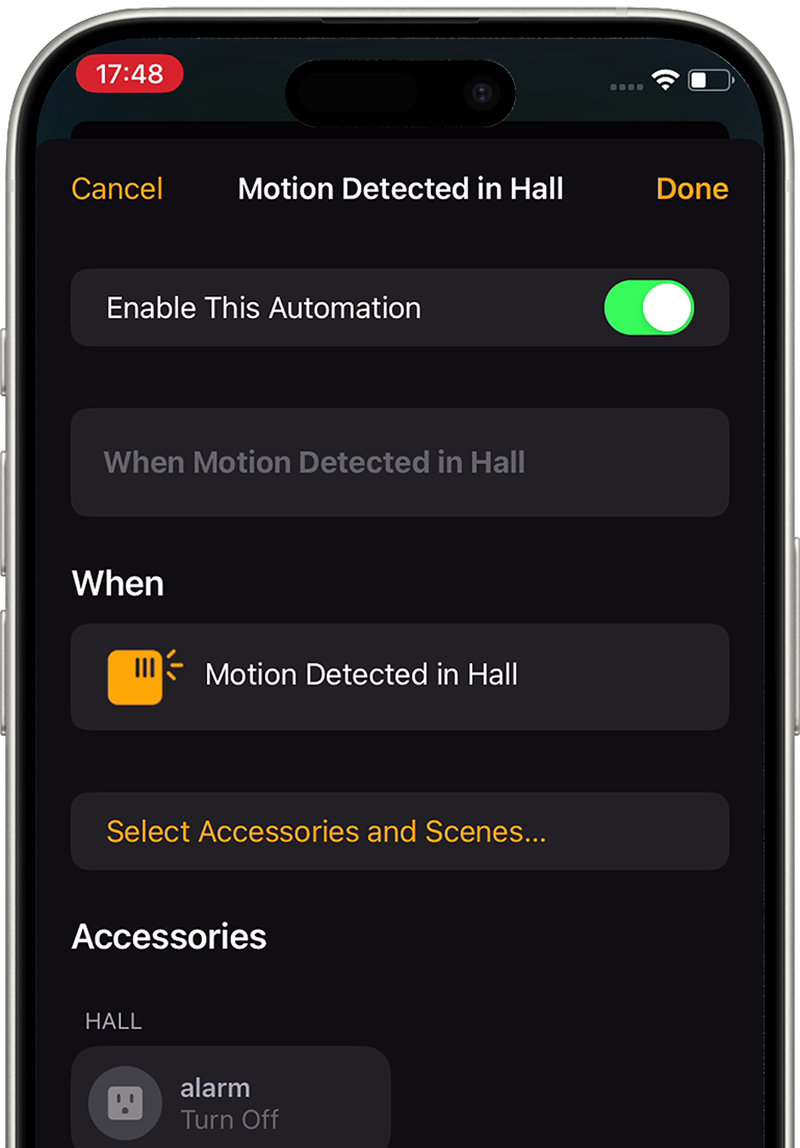
Step 1. Create a Scene by adding the actions you would like to use in third-party app
Step 2. Add the Scene to Matter by going to Profile → Connect to Ecosystems → Matter section
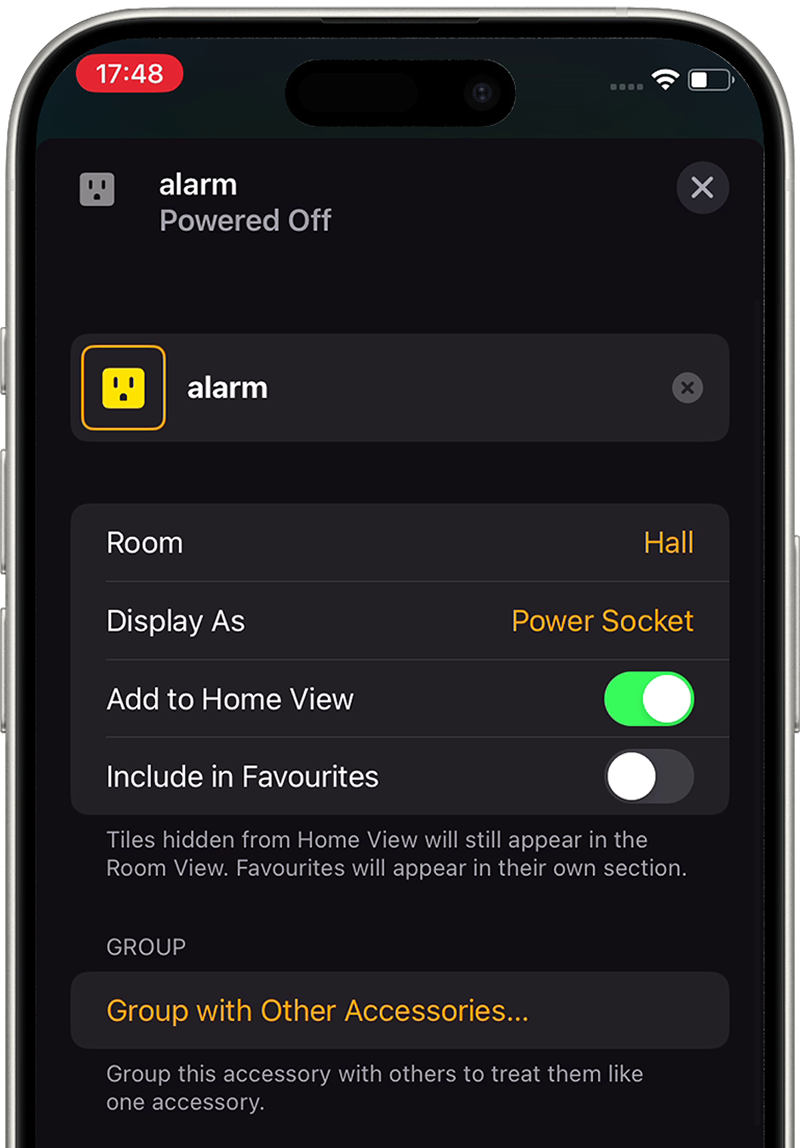
Step 3. Find the scene in the third-party ecosystem (it will be exposed as a new Plug device)
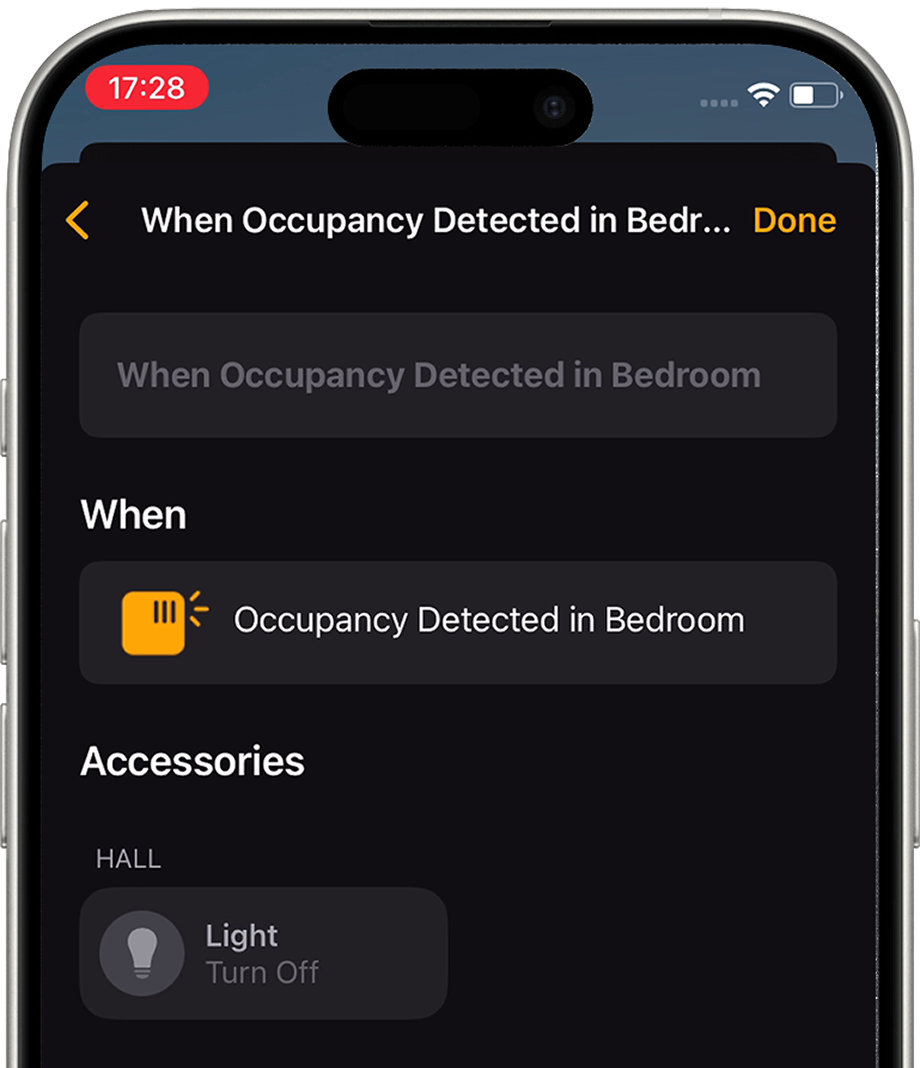
Step 4. Set up the automations involving this plug and enjoy the new use cases
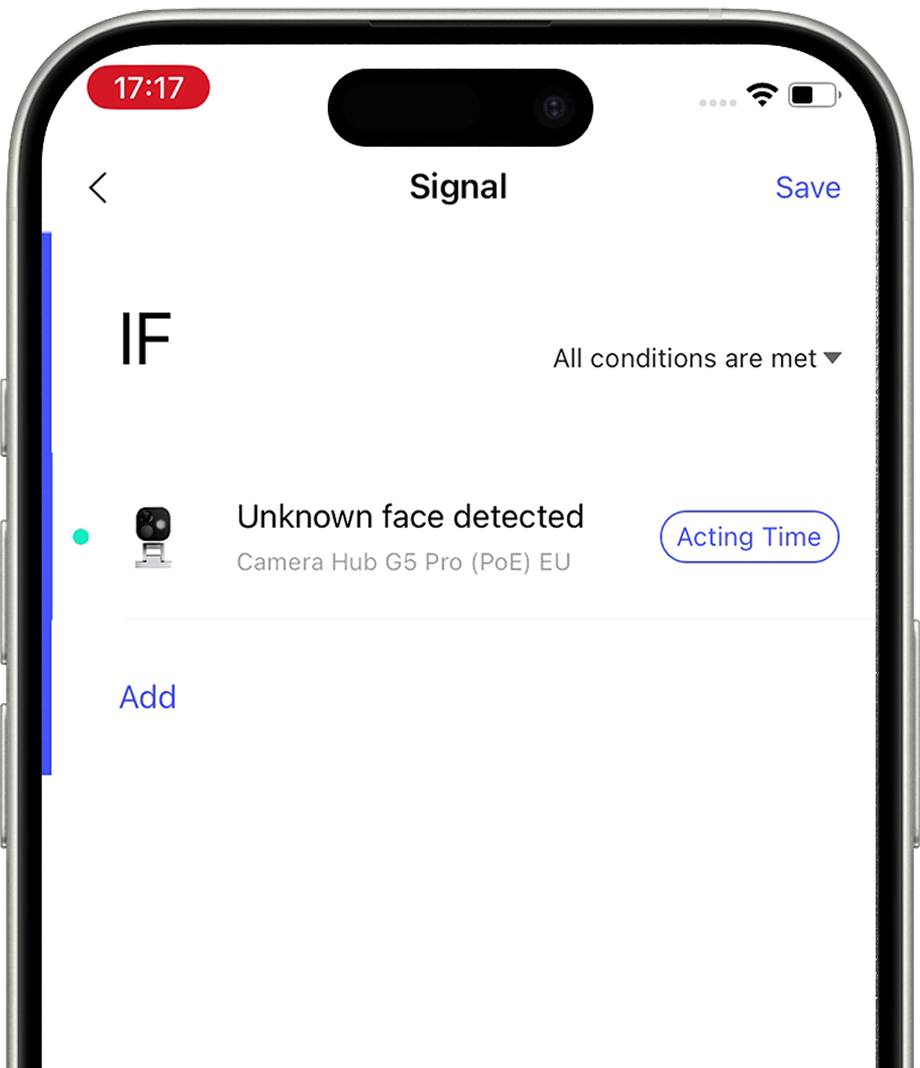
Step 1. Create a Signal by adding the conditions you want to expose to Matter by going to Profile → Connect to Ecosystems → Matter section
Step 2. Locate this Signal in the third-party app (upon creation, it will be automatically added to third-party ecosystems as a virtual occupancy sensor)
Step 3. Set up the automations involving this plug and enjoy the new use cases that were impossible before
Copyright © 2023 Lumi United Technology Co., Ltd. All Rights Reserved.
Founded in 1998, CERAGEM is a global provider of comprehensive home healthcare solutions, guided by the philosophy that health management begins at home.
Aqara provides a diverse range of smart products, including sensors, smart lighting, and smart plugs. Leveraging the Aqara Developer Platform, these devices are deeply integrated with the CERAGEM Wellness System.
This collaboration not only enhances the commercial value of CERAGEM’s premium therapeutic equipment but also creates a more comfortable and convenient wellness environment for customers.
HAUS UPDATE is an innovative initiative that integrates IoT, AI, and lifestyle behavior data to create health-centric, modernized living environments in Japan.
Aqara contributed a comprehensive suite of smart home devices, including presence sensors, motion sensors, door and window sensors, vibration sensors, and bubs. 1,400+ Aqara devices were deployed in over 110 households.
In addition, Aqara provided API access via the Aqara Developer Platform and offered technical support to the project team, enabling capabilities such as device status monitoring, remote control, and account linking.
The King Abdullah Financial District (KAFD) Apartment is a key milestone in Saudi Arabia’s urban development under Vision 2030.
Focused on high-end urban living, the project aims to deliver a modern and intelligent residential experience. Aqara provides a comprehensive array of smart home devices, including doorbells, door locks, smart lighting, and curtains. 10,000+ devices were deployed in over 500 apartments. All devices are seamlessly managed through the Aqara Home app, enabling a more convenient, comfortable, and connected living experience.
ADE Properties is a premier Emirati-owned development company and part of the Al Dallal Group, a leading name in the UAE real estate sector.
Aqara partnered with ADE Properties to provide a complete smart home solution for 80+ apartments the ADE project. The solution enables energy-saving automation, intelligent lighting control, and smart curtain control throughout each apartment. Residents can also monitor and manage connected devices through a centralized tablet interface.
The project enhances convenience and provides a more connected living experience through integrated smart home technology.
Sobha Reserve is a premium villa community developed by Sobha Group in Dubai, featuring Aqara’s whole-home smart solution.
The project incorporates Aqara Ssmart door locks, thermostats, smart switches, sensors, and smart curtains. Through the Aqara Home app, residents can manage lighting, air conditioning, and curtains throughout the home.
This solution enables energy-saving automations, remote control, and intelligent scene management, enhancing convenience and operational efficiency.
The Mohammed Bin Rashid Housing Establishment (MBRHE) is a large-scale housing and community development initiative led by the Dubai government.
Aqara partnered with e&, a leading technology and telecommunications provider in the UAE, to provide smart home solutions and services for 350 villas within the MBRHE project. Each villa is equipped with more than 15 types of smart devices, enabling intelligent lighting control, curtain automation, kitchen safety monitoring, and air conditioning control.
The project enhances residents’ quality of life through smart home technologies while supporting the development of modern and sustainable communities.
GK Zhelezno is a federal-level real estate developer in Russia, founded in 2011. The company has delivered seven large-scale residential projects totaling over 2.6 million square meters, making it one of the country’s leading developers.
The project includes key Aqara devices such as sensors and smart switches, paired with Yandex speaker to enable Russian-language voice control. Built on Zigbee wireless technology, the system supports both local and remote control and continues to operate even without an internet connection, making it well suited to residential environments and varying network conditions.
Episode Yongsan 241 is a modern co-living and rental complex located near Yongsan Station in Seoul. It offers flexible, premium living spaces for individuals and small families seeking short or long-term stays without the commitment of homeownership.
The project uses a wide range of Aqara smart devices, including hubs, door locks, smart plugs, temperature and humidity sensors, motion sensors, and presence sensors. These devices support a range of smart functions, such as fingerprint-based door access, environmental monitoring, automatic heating control based on temperature and humidity levels, and sleep status detection.
In addition, the project is integrated with the property management system through Aqara APIs, enabling real-time device monitoring and remote operation.
Sfeel is one of the leading investors in South Korea’s smart farming industry, operating under its independent smart farm brand “Sun In Farm”.
By integrating 200+ smart devices for each location, including the Aqara Presence Sensors and Controllers, the project enables automated water supply, lighting control, and dimming adjustment. The solution streamlines daily operations and enhances overall farm management efficiency.
This club is one of the oldest cricket clubs in Northern England. As its operations expanded and the number of annual events increased, the club faced several operational challenges, including fragmented equipment management across different areas, high energy consumption, limited security monitoring coverage, and inefficient remote maintenance.
To address these challenges, Aqara deployed 300+ smart devices, including cameras, hubs, sensors, and controllers to build an complete smart system. The solution provides full-area monitoring, intelligent control, optimized HVAC management, and remote operation & maintenance capabilities. The deployment significantly improved operational efficiency and provided a more comfortable environment for venue users.
This project showcases Aqara’s expertise in commercial smart space solutions and highlights how intelligent technologies can accelerate the digital transformation of traditional sports venues.
Select another country or region to get content and online shopping options that apply to your location
사용자위치를선택하세요.
より快適にご利用いただくために、お住まいの国/地域を選択してください
Wählen Sie ein anderes Land oder eine andere Region aus, um Inhalte und Online-Einkaufsoptionen zu erhalten, die für Ihren Standort gelten